Local dictation and text workflows
Fonos
Dictation stays on your machine; the text lands at your cursor.
Why it exists
In place, not in another chat window
Dictation and text processing are worth having only where the work already is. Speech is transcribed on the machine, selected text is rewritten or explained where it already lives, and the result is written back at the cursor — as reusable recipes rather than one more window to copy and paste through.
Dictation, translation, summarization, and rewriting are easy to find. The friction is leaving the current app, moving text around, repeating prompts, and carrying the result back.
Fonos removes that trip: speech is transcribed on the machine and lands at the cursor, and selected text is processed where it already sits. Combinations you use often become recipes, so the next time is a single keystroke.
What it does
Capabilities verified against the release named above, stated only where source and interface evidence agree.
Local dictation
Hold a hotkey and speak. Transcription runs on the machine and the text is inserted at the current cursor; with a local model the audio never leaves the device.
Selection as input
Select text in any application and translate, summarize, rewrite, or explain it with one hotkey. The result can be inserted, used to replace the selection, copied, or previewed first.
Components into recipes
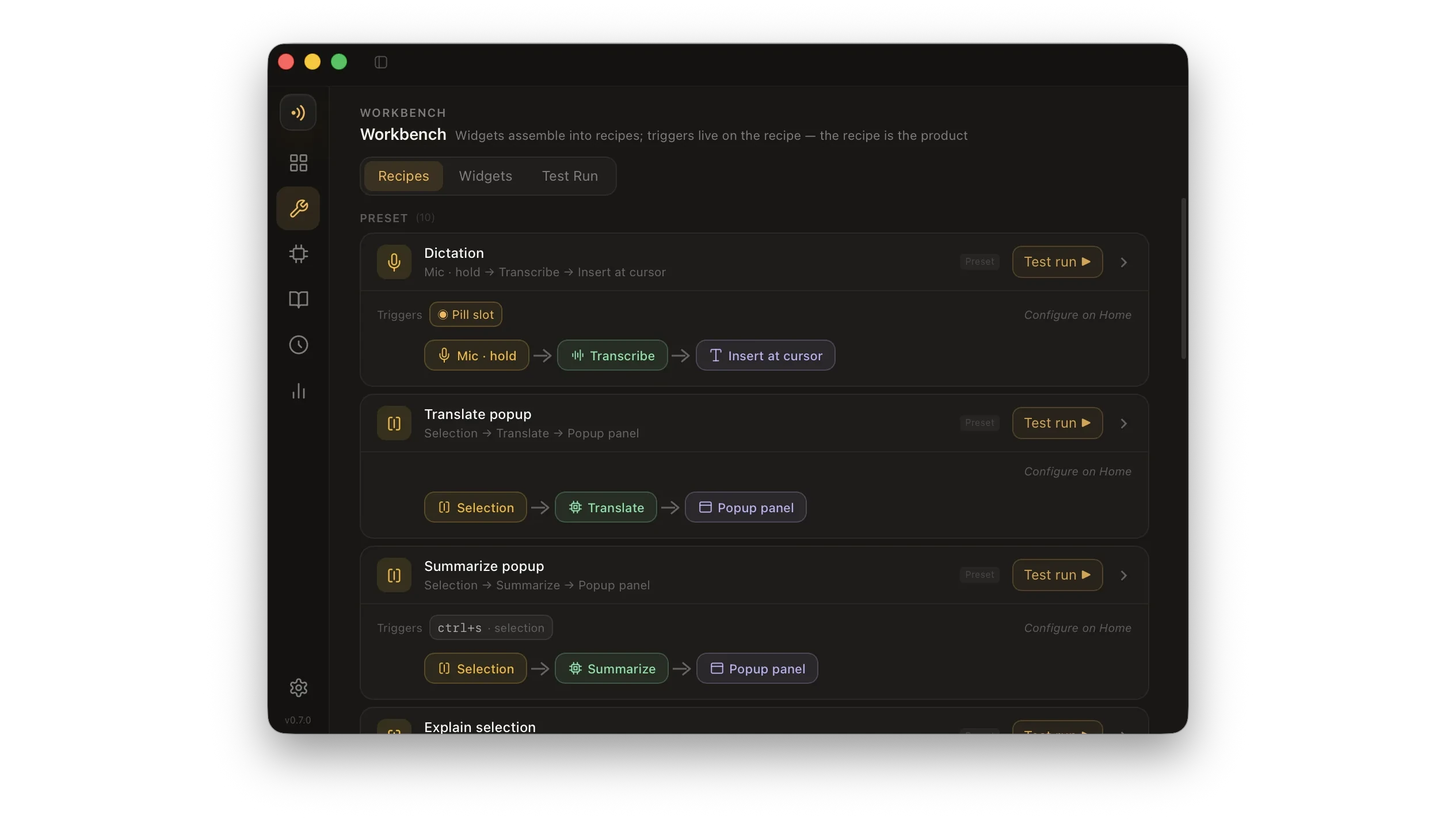
Inputs, processing, delivery, and triggers are reusable parts. Combine them into a recipe, bind a hotkey, and a frequent action stops needing to be reassembled.
Test before delivery
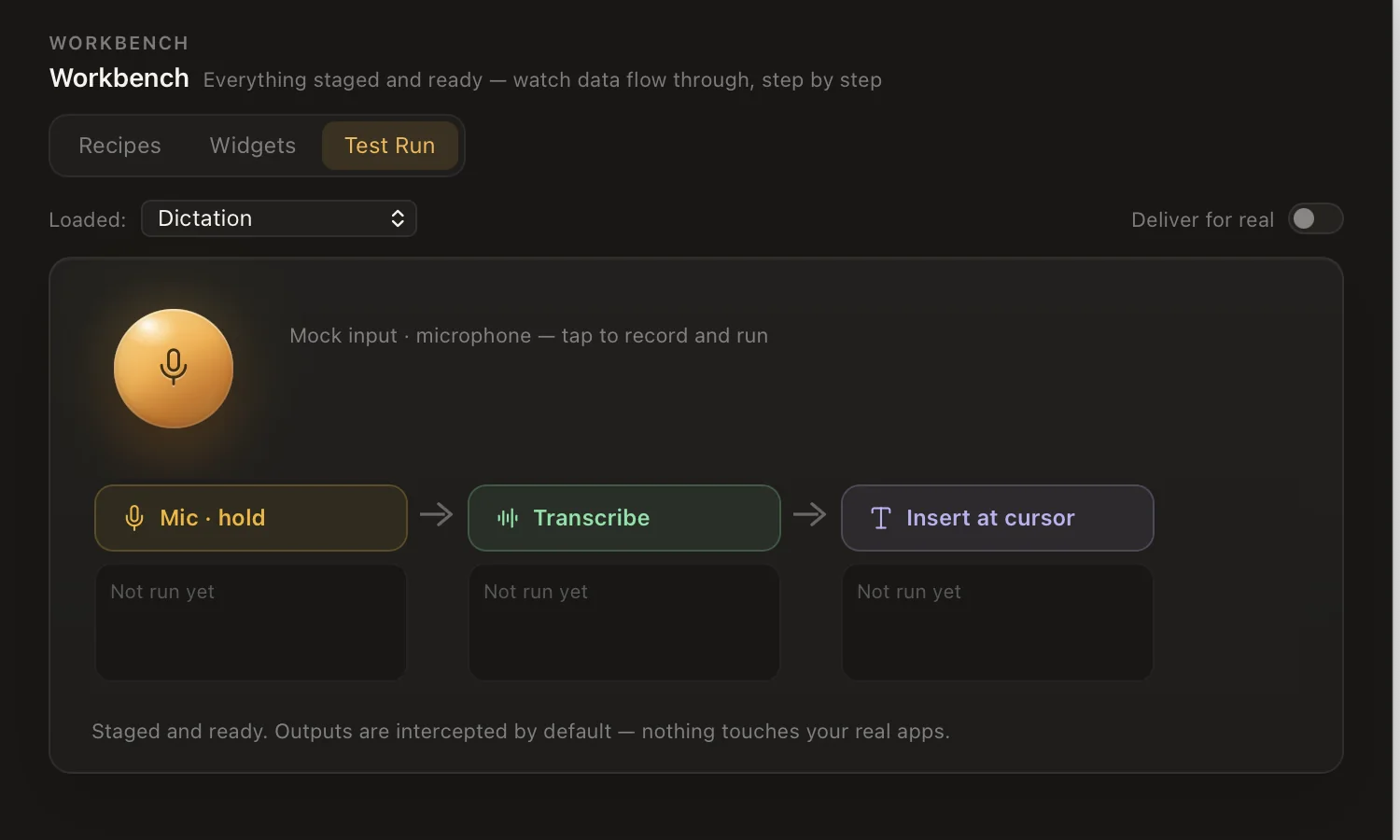
Test Run intercepts desktop delivery by default, exposing each input, processing step, and result before anything is written back.
Evidence and limits
What makes this a product record rather than a speculative concept.
- A public source repository and versioned downloads
- Installers for macOS and Linux
- Real application media for Workbench and Test Run